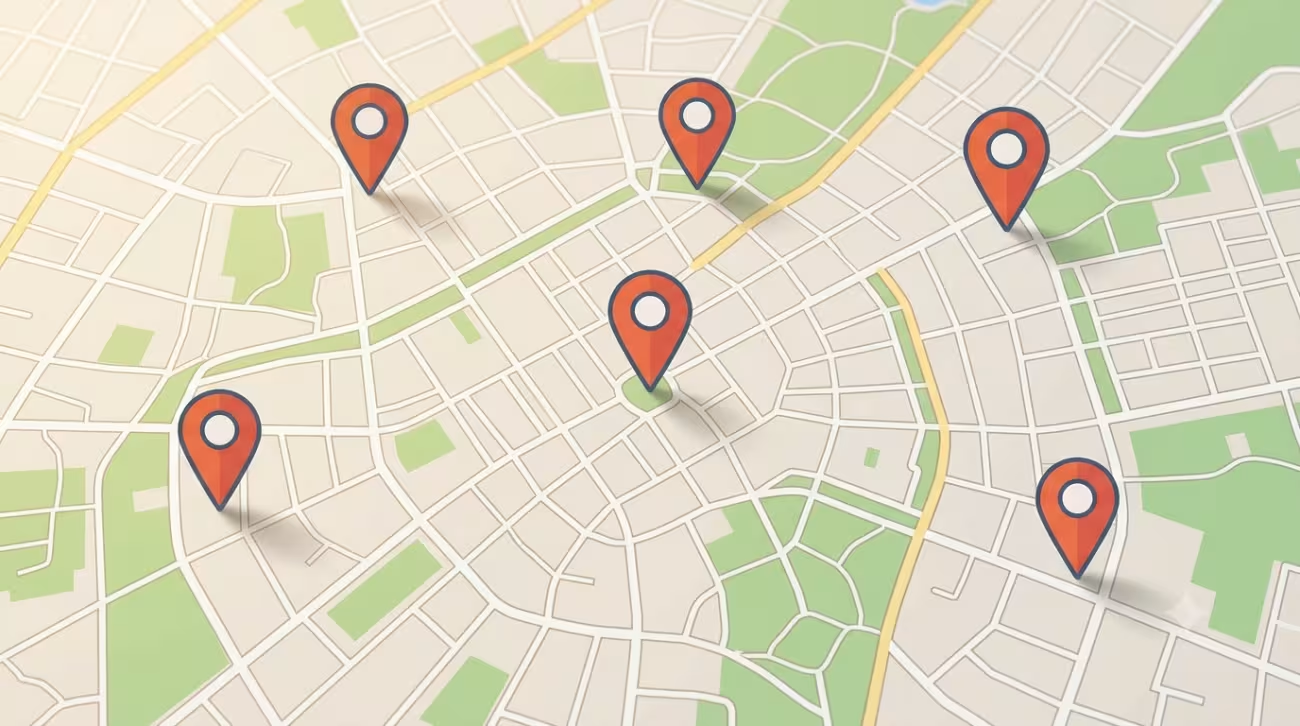
Some people think of plans by type ("I fancy a concert") and others by area ("what's on in the centre this afternoon?"). For the latter —and for when you're off on a day trip to another town— AgendaLocal has the events map.
See it to decide
On the map view, each event appears as a point on the ground. Instead of reading a list, you see where each plan is: whether it's right beside you, on your way home or worth the trip. It's the most natural way to discover what's brewing in a specific area.
It's especially handy when:
- You're spending the day in another town and want to know what's on there.
- You're after something a short walk from where you are.
- You want to combine several nearby plans in the same afternoon.
Centred on your town
The map relies on your home town to put you at the centre of the action. If you haven't set it yet, AgendaLocal will ask you with a clear prompt and give you two equally quick paths:
- Edit your profile and choose your town.
- Or simply search by place: we'll save the town for you automatically.
From then on, every time you open the map you'll appear right where you want to be, with nothing left to set up.
From map to plan, no jumps
The map isn't just pretty: it's a starting point. Tap any marker to open the event page, with its description, its dates, how to get there and the options to save it, share it or say you're going. You discover by area and decide without switching screens.
Search or map: use whichever suits you
They don't compete, they complement each other. The search is perfect when you already know what kind of plan you want; the map shines when what you want is to explore an area and let it surprise you. The good news is you have both.
Take a look
Open the map and see what's around you right now.
In the next article we'll tell you how to let plans come to you without searching: the weekly newsletter.