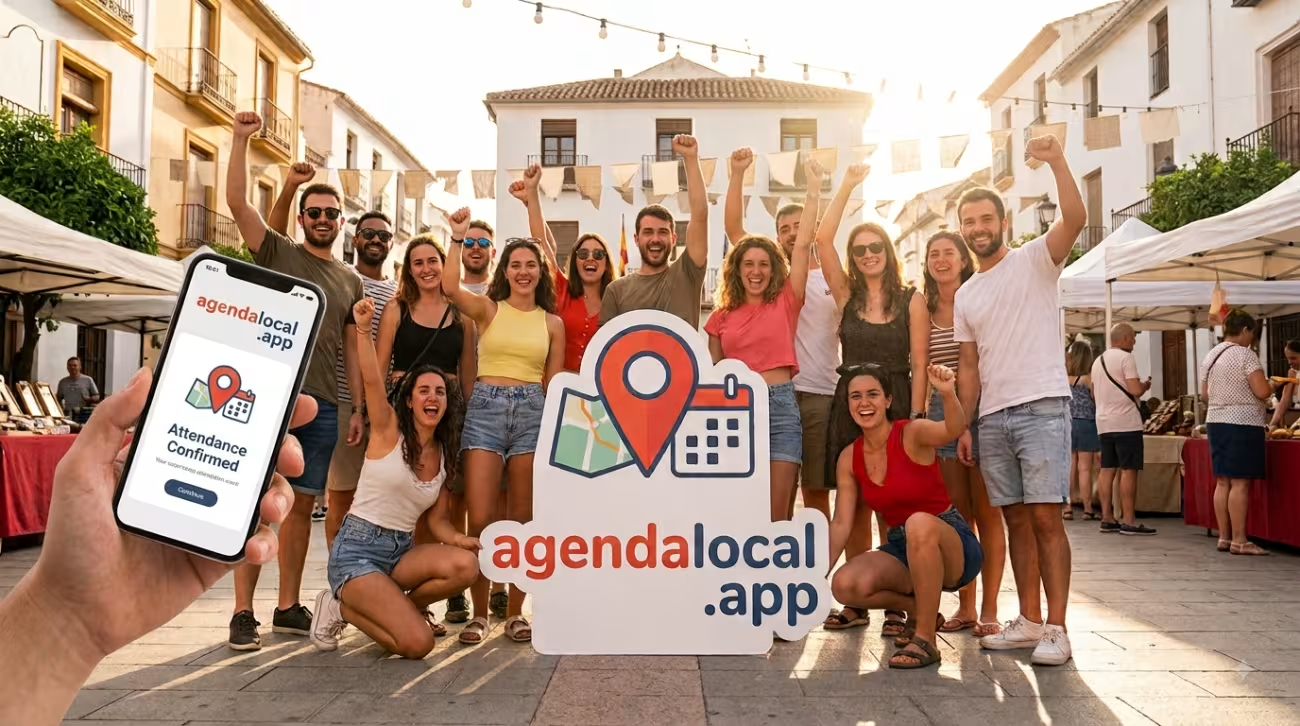
A good plan is almost always better with company. That's why AgendaLocal doesn't stop at showing you events: it lets you say you're going, see who else is up for it and rope in your friends. Plans stop being a list and become something you live with people.
"I'm going": a button that changes everything
On every event page you have the option to mark that you're going to attend. That single action does two things:
- The event adds one more person to its public attendee count, which anyone can see.
- You help others join in: when you see that "24 people are going" to a plan, it's far more tempting to sign up.
That "how many people are going" counter is often what turns a "maybe" into a "let's go".
See who's signed up
Beyond the number, those who have unlocked the social features can see the attendee list: names and profiles of the people going. That way you find out whether someone you know is going, or meet new people who share your tastes.
Your privacy comes first: if someone has their profile set to private, they're counted in the total but don't appear by name. Saying you're going never exposes your profile.
Invite your friends
A plan that's a perfect fit for your group? From the event itself you can invite your friends on the platform. You pick who to notify, add a note if you like, and each one gets a private message with the event details and the direct link.
No noisy groups or forwarding posters around: each invitation arrives personally, only to whoever you choose.
From interest to attendance
Until now, signing up for an event meant leaving AgendaLocal for an external link. With attendance and invitations, it all happens here: you discover the plan, say you're going, see who else is going and invite your people, without moving anywhere.
Try it with your next plan
Look for an event you fancy and tell the world:
Find a plan and mark that you're going.
To see the attendee list by name and invite friends you need to unlock the social features. We'll tell you how in article 7 of this series… but first, in the next one, we get to the important part: making friends.